

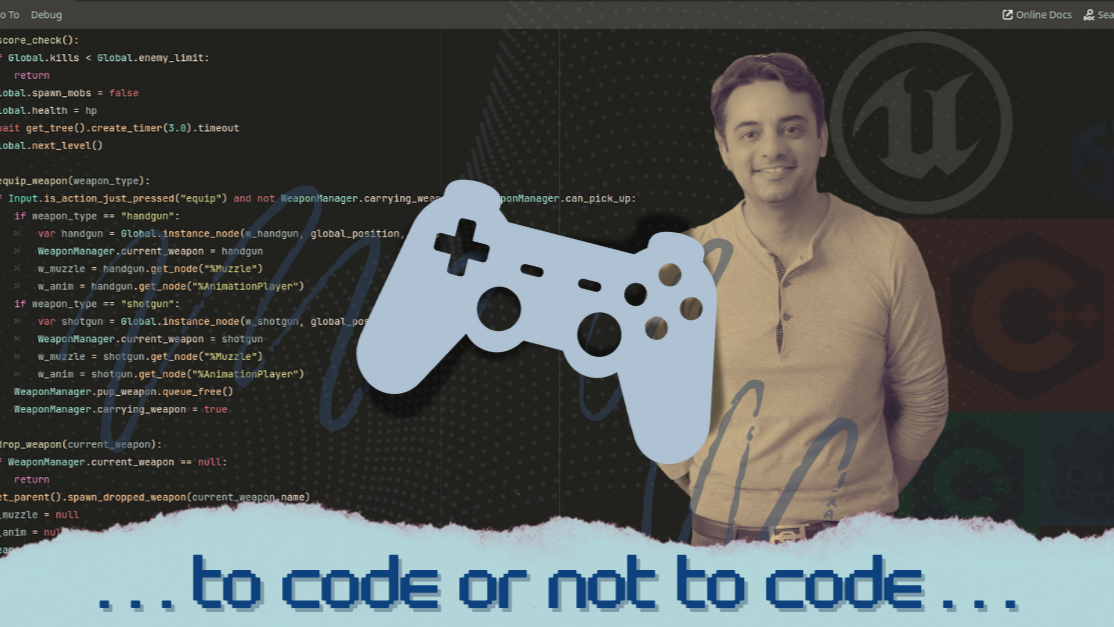
Why Logic Still Rules Game Development?
I need to get this off my chest. When I first started out, one of the big questions I had was, “Do I really need to know how to code?”
It’s a fair question. Tools like Unreal and Unity can make game building feel like stacking blocks instead of writing lines of code. I’ve tried Unreal Engine’s Blueprints, Unity with C# and GD Script in Godot. Here’s what I’ve learned…
The real skill is logic
You can go a long way with no-code tools, especially for prototypes or small games. They’re great for testing ideas quickly without getting stuck on syntax. But when you want more control, complex systems, or unique mechanics that don’t exist out of the box, you’ll eventually hit a wall. That’s when understanding logic becomes essential. Coding isn’t just typing commands, it’s thinking in structures:
- If this, then that
- When this happens, do that
- Repeat until done
Once you get these principles, the programming language you choose matters less. The hardest part is the syntax, and I learned the hard way that you don’t need to memorize all of it, just know how to look it up when you need it.
So… which language?
There are many programming languages out there, each with its own strengths and weaknesses depending on your goals and target platform. But I’m only going to discuss the ones I have worked with:
- C++ – Powerful and fast, the backbone of Unreal Engine, but tricky to master.
- C# – Clean, beginner-friendly, and dominant in Unity, also great beyond games.
- GDScript – Godot’s own language, a little like Python, lightweight and quick to use.
I’m just focusing on what I want to achieve. So here’s my advice: Learn one language well enough to solve problems confidently. Once you understand the logic, picking up others becomes much easier.
A Word on using AI
This probably deserves its own article, but I’ll just touch on it here. Don’t rely on AI entirely. It can be incredibly useful when you’re stuck with syntax or trying to make sense of a confusing chunk of code after hundreds of lines. But once your project gets big, things can get messy, and you and AI can end up on completely different wavelengths.
If you’re not strong in logic yet, resist the urge to just copy and paste. Use AI like you’d use a good teacher. Ask questions, learn from its suggestions, and apply the logic yourself. That way, you’ll actually get better, and your game will come together faster.
Final thought
No-code tools are a fantastic starting point, but they can’t replace the creative freedom that comes from truly understanding how systems work under the hood.
You don’t have to be a “full” programmer, but the more you understand logic, the further you can push your game, and the fewer times you’ll wish there was a magic button to “just do it for you.”
And since I’m already getting this off my chest… I decided to go with coding for my first game, and I can’t even describe how much fun it is. I used to run away from it because there were so many flashy options out there. In reality, they were just distractions. I’m glad I focused and chose coding. It only looked tough from a distance. Up close, it’s been the most creatively freeing choice I’ve made.